Welcome to your environment! You can order everything from your assortment with your personal budget here.

You can always return to the normal Coolblue website by clicking here.

Your outstanding budget (incl. VAT) is always visible here, so you know exactly how much you can spend.

Coolblue home

Help with your product
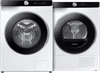
Samsung WW90DG6U85LK AI Wash + Samsung DV90DG6845LKU3 AI Dry

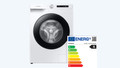
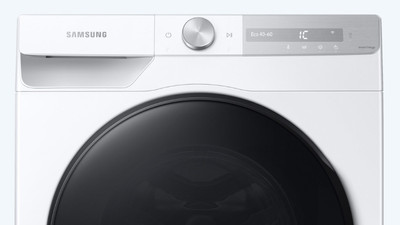
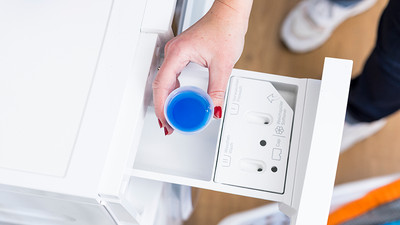
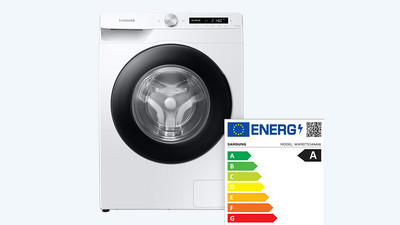
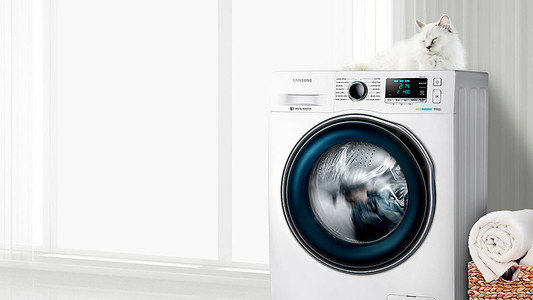
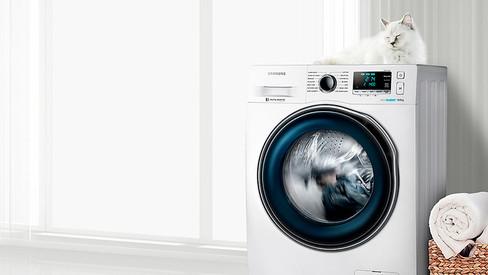
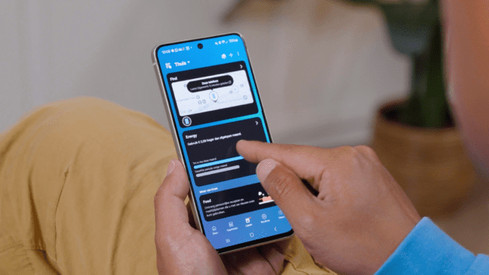
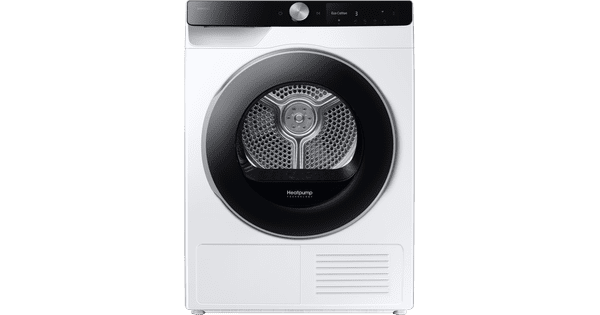
The Samsung WW90DG6U85LK + Samsung DV90DG6845LKU3 keeps your clothes in good condition for longer thanks to AI Wash and AI Dry. Washing machine You can dose your detergent and fabric softener automatically thanks to AI Wash, which is better for your laundry. With 9kg load capacity, you have space for a large load of bedding. You cna wash this relatively energy-efficiently with an A-10% energy label. With the SmartThings app, you can connect your washing machine to your smartphone and turn on the AI Energy Mode. Dryer After washing, you can dry everything in one go with the 9kg spacious heat pump dryer. You can save up to € 340 over the lifespan on energy costs with the A energy label. With AI Dry, you can dry better and your laundry stays soft for longer. This is because the cycle adjusts itself to the type of fabric in the drum.

Read all tips here

Which product do you want to see articles about?

How do you connect your washing machine?

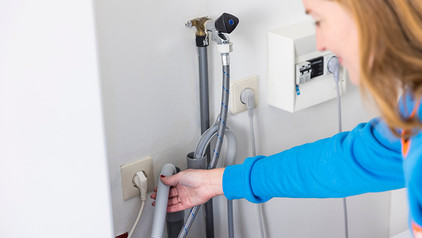
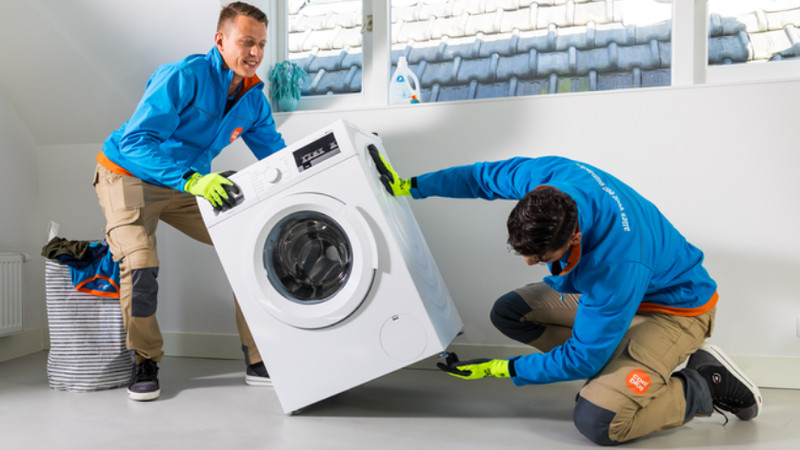
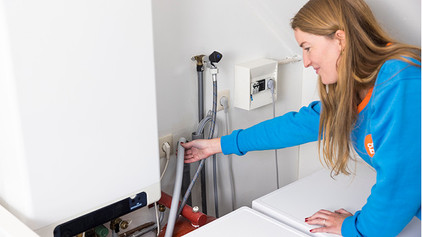
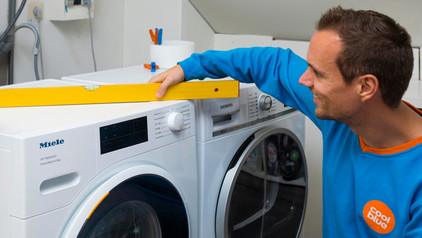
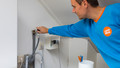
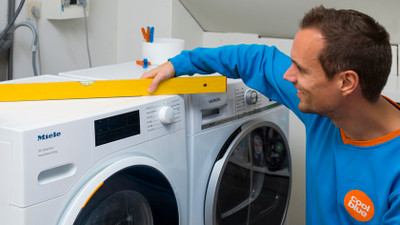
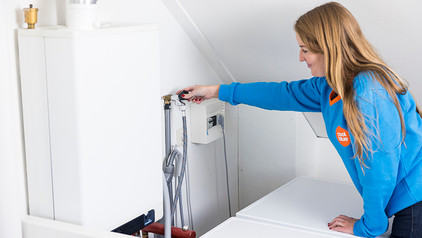
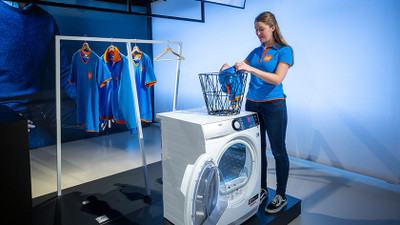
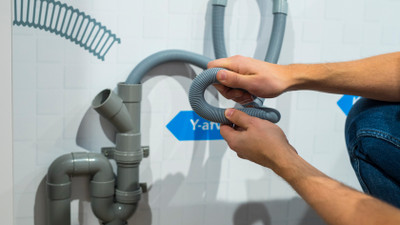
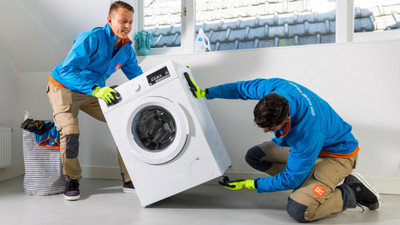
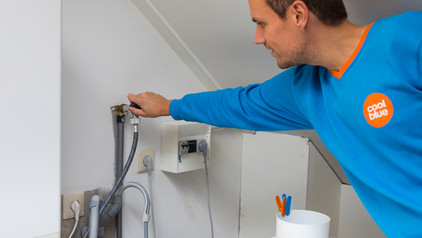
Did you just get a new washing machine? Or are you moving and taking your current washing machine with you? When you connect it, make sure that you remove the transit bolts and level the washing machine. In this article, I'll explain how to connect a washing machine step by step.

How do I calibrate my Samsung washing machine?

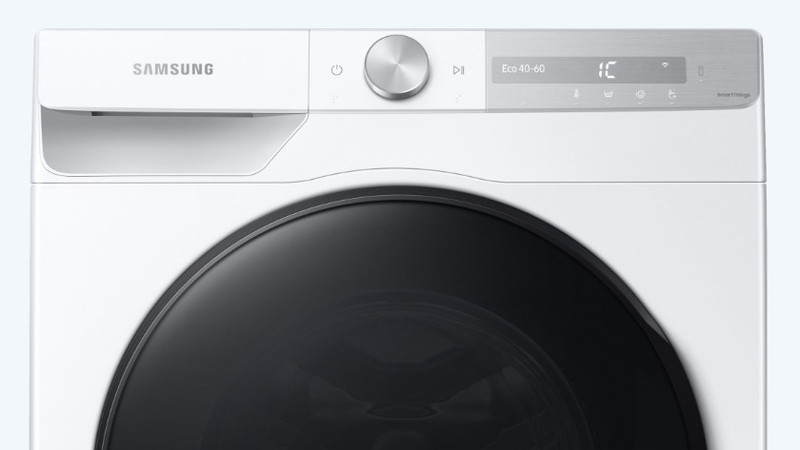
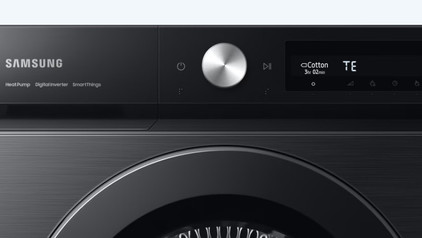
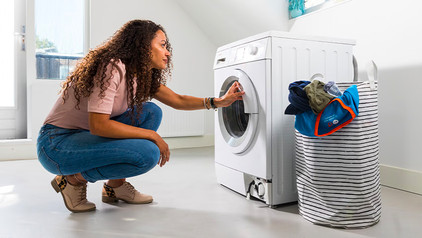
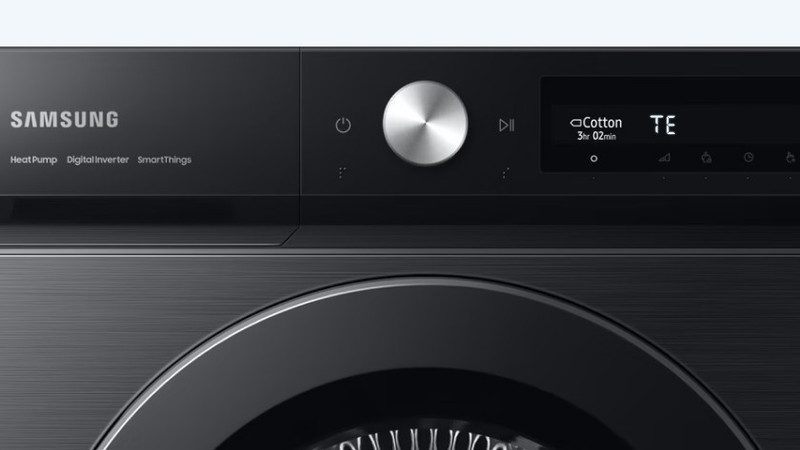
By calibrating your Samsung washing machine, you can prevent the washing machine from vibrating and making noise. You can calibrate your washing machine via the display and takes up to 3 minutes. This doesn't happen by default at a factory. That's why it's important to calibrate your washing machine yourself. All Samsung washing machines have a calibrate function. You can read how to do this in the article below.

This is how you wash and dry for free every day with Samsung SmartThings

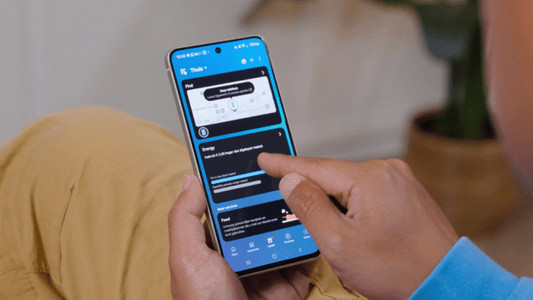
Do you have a Samsung washing machine or dryer with SmartThings and an energy contract at Coolblue Energy? You can do laundry for free every day between 12:00 and 15:00. In this article, you can read how to give permission for Free Washing and Drying in the Coolblue App.

This is how you wash and dry for free every day with Samsung SmartThings

Do you have a Samsung washing machine or dryer with SmartThings and an energy contract at Coolblue Energy? You can do laundry for free every day between 12:00 and 15:00. In this article, you can read how to give permission for Free Washing and Drying in the Coolblue App.
How do you connect your washing machine?

Did you just get a new washing machine? Or are you moving and taking your current washing machine with you? When you connect it, make sure that you remove the transit bolts and level the washing machine. In this article, I'll explain how to connect a washing machine step by step.

This is how you wash and dry for free every day with Samsung SmartThings

Do you have a Samsung washing machine or dryer with SmartThings and an energy contract at Coolblue Energy? You can do laundry for free every day between 12:00 and 15:00. In this article, you can read how to give permission for Free Washing and Drying in the Coolblue App.
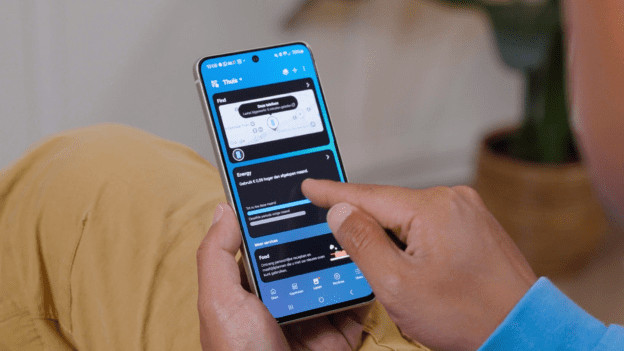
This is how you wash and dry for free every day with Samsung SmartThings

Do you have a Samsung washing machine or dryer with SmartThings and an energy contract at Coolblue Energy? You can do laundry for free every day between 12:00 and 15:00. In this article, you can read how to give permission for Free Washing and Drying in the Coolblue App.
This is how you wash and dry for free every day with Samsung SmartThings

Do you have a Samsung washing machine or dryer with SmartThings and an energy contract at Coolblue Energy? You can do laundry for free every day between 12:00 and 15:00. In this article, you can read how to give permission for Free Washing and Drying in the Coolblue App.
How do I use my new Samsung washing machine?

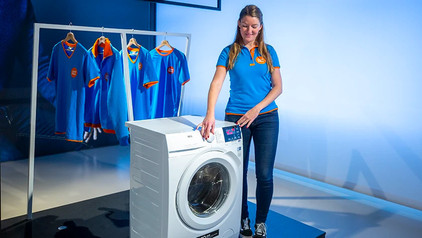
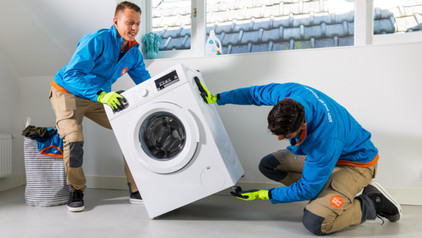
With a Samsung washing machine, you can wash quickly and energy-efficiently. Before you can use a Samsung washing machine, you have to calibrate it. You can read how to do that on this page. You'll also read how to get the best washing result and how to use technologies like EcoBubble, QuickDrive, and AddWash. You can also read how to best solve possible malfunctions here.

This is how you wash and dry for free every day with Samsung SmartThings

Do you have a Samsung washing machine or dryer with SmartThings and an energy contract at Coolblue Energy? You can do laundry for free every day between 12:00 and 15:00. In this article, you can read how to give permission for Free Washing and Drying in the Coolblue App.
This is how you wash and dry for free every day with Samsung SmartThings

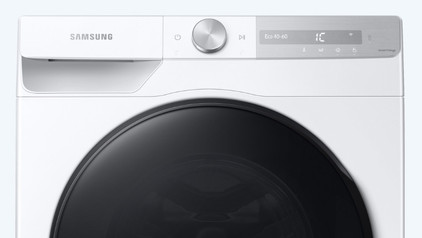
Do you have a Samsung washing machine or dryer with SmartThings and an energy contract at Coolblue Energy? You can do laundry for free every day between 12:00 and 15:00. In this article, you can read how to give permission for Free Washing and Drying in the Coolblue App.
This is how you wash and dry for free every day with Samsung SmartThings

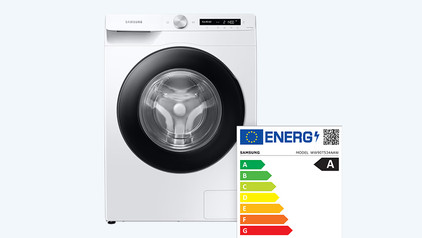
Do you have a Samsung washing machine or dryer with SmartThings and an energy contract at Coolblue Energy? You can do laundry for free every day between 12:00 and 15:00. In this article, you can read how to give permission for Free Washing and Drying in the Coolblue App.
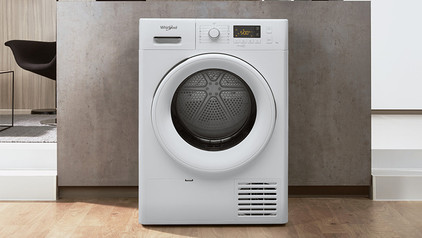
How do you connect a dryer to the water drain?

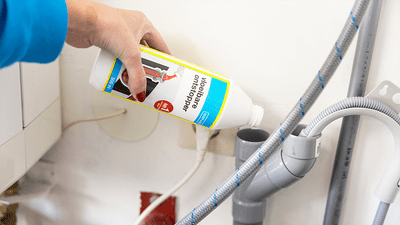
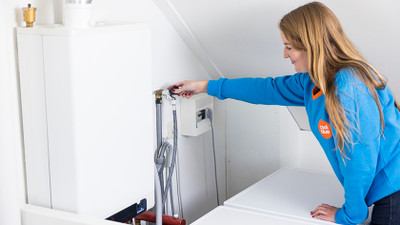
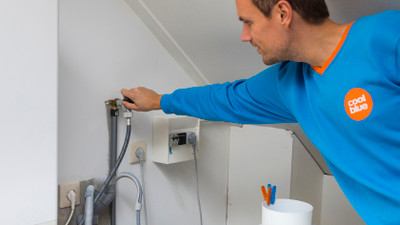
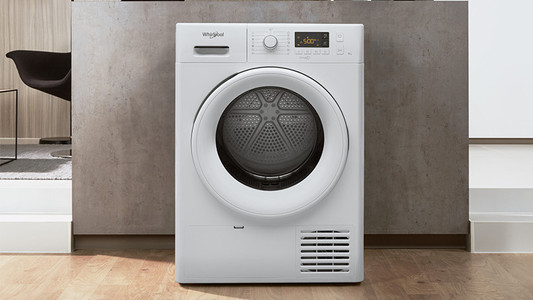
You have a condenser dryer or a heat pump dryer you can connect to the water drain. Thanks to the drain hose, you don't have to empty the condenser reservoir of the dryer. With every dryer, the water comes in a condenser reservoir by default. In this article, you can read how to connect your dryer to the drain per brand. For more information, you can also read the manual of your appliance.

How do you connect a dryer to the water drain?

You have a condenser dryer or a heat pump dryer you can connect to the water drain. Thanks to the drain hose, you don't have to empty the condenser reservoir of the dryer. With every dryer, the water comes in a condenser reservoir by default. In this article, you can read how to connect your dryer to the drain per brand. For more information, you can also read the manual of your appliance.

When do you use which dryness level on your dryer?

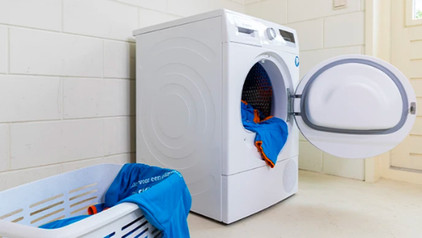
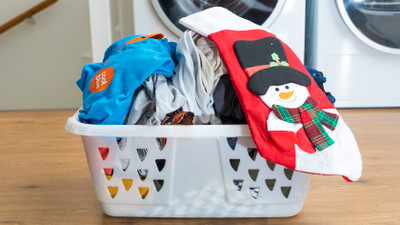
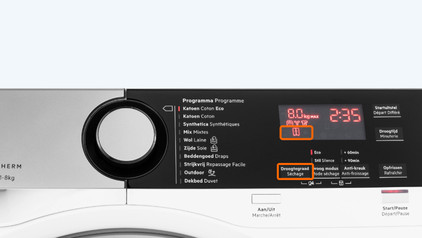
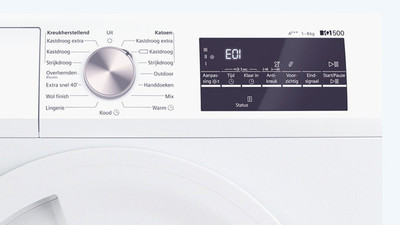
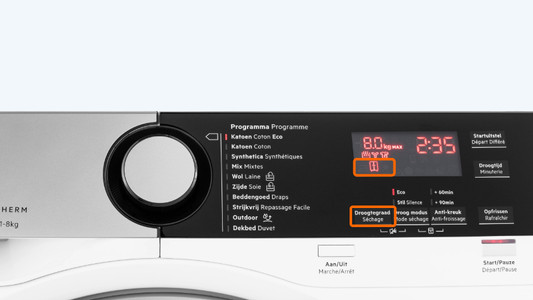
When you dry your laundry, you can choose between a couple of dryness levels. This determines how dry your laundry will be. The 4 most common dryness levels are iron dry, cupboard dry, cupboard dry plus, and extra dry. But what does each dryness level mean and for which laundry type do you use them? We'll explain that in this article.

Set up Samsung washing machine and dryer app

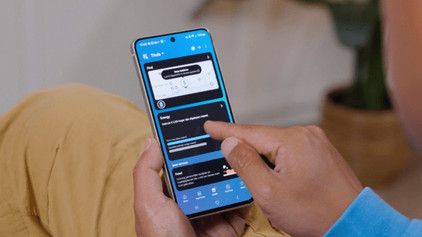
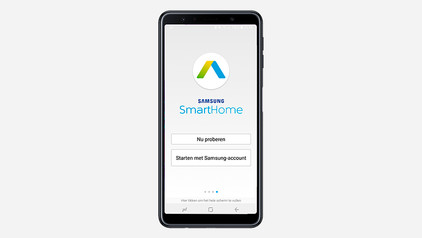
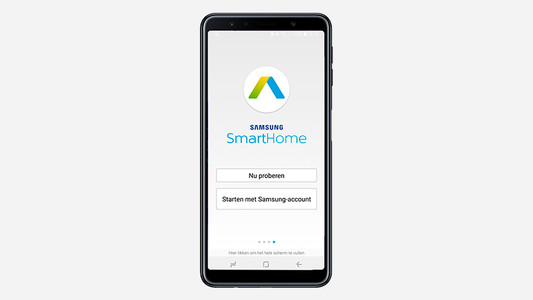
With the Samsung SmartThings app, you'll receive a notification on your smartphone when your laundry is ready. To set up the WiFi, it's important that you first download the Samsung SmartThings app. In this article, you can read how to set the WiFi on a Samsung washing machine as quickly and easily as possible in 3 steps.
How do you know which laundry is and isn't suitable for the dryer?

To keep your laundry nice for longer, you have to check the laundry label on the inside. This'll say if the piece of clothing can go in the dryer and what to keep in mind. Not all fabrics are suitable. A delicate wool sweater is best to try flat on a laundry rack. You can read which laundry can and can't go in the dryer here.

How do you know which laundry is and isn't suitable for the dryer?

To keep your laundry nice for longer, you have to check the laundry label on the inside. This'll say if the piece of clothing can go in the dryer and what to keep in mind. Not all fabrics are suitable. A delicate wool sweater is best to try flat on a laundry rack. You can read which laundry can and can't go in the dryer here.

Subjects
Didn't find your answer?

Find an answer to your question quickly and easily via our customer service.

Coolblue specialist
Personal chat Digitalk.
You're now chatting with Coolblue customer service
This chat is closed
foo
Oeps File size is larger than 5MB. Upload a smaller file.