Welcome to your environment! You can order everything from your assortment with your personal budget here.

You can always return to the normal Coolblue website by clicking here.

Your outstanding budget (incl. VAT) is always visible here, so you know exactly how much you can spend.

Coolblue home

Help with your product
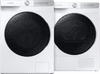
Samsung WW80T734ABH QuickDrive + Samsung DV80T7220BH
0 reviews

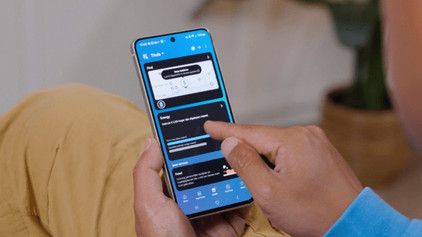
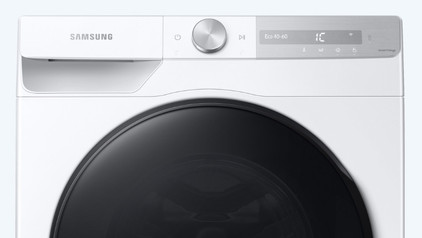
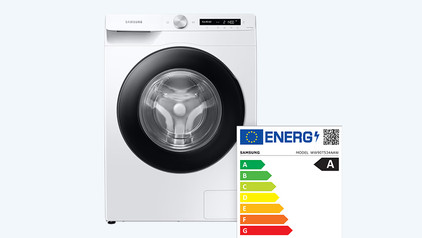
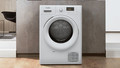
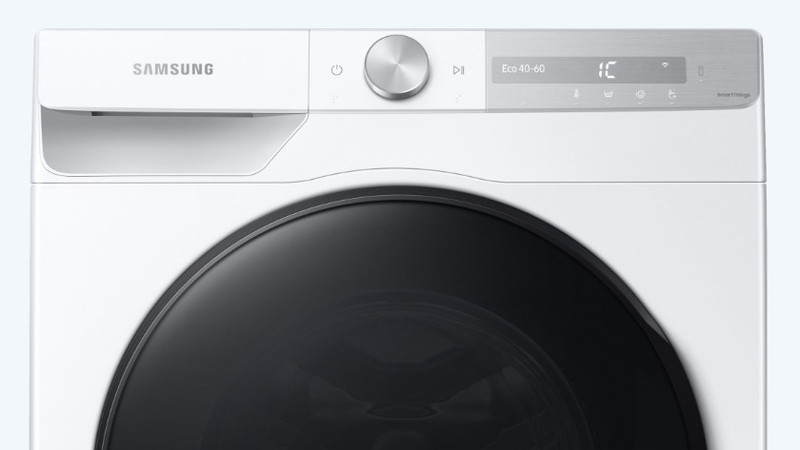
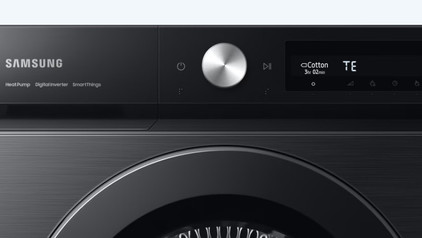
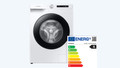
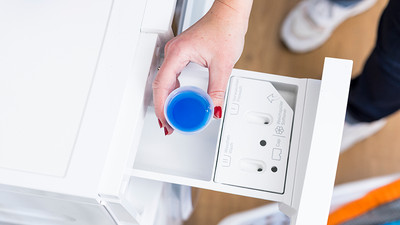
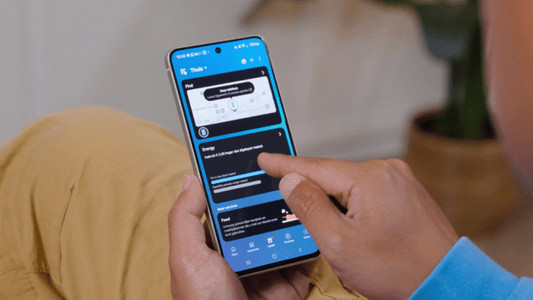
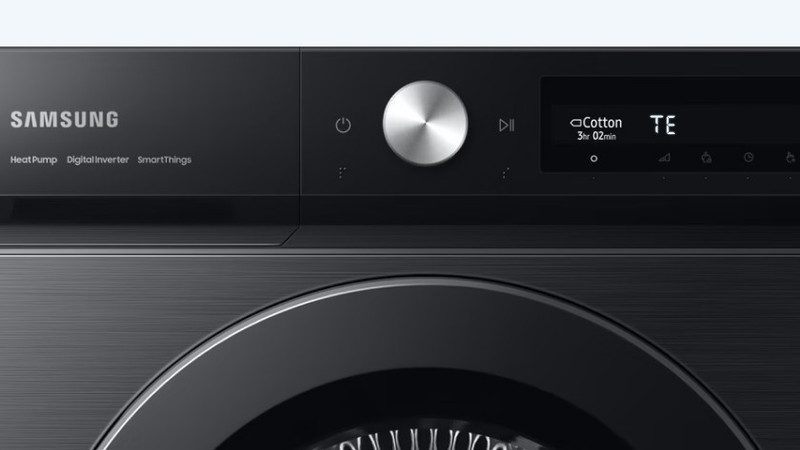
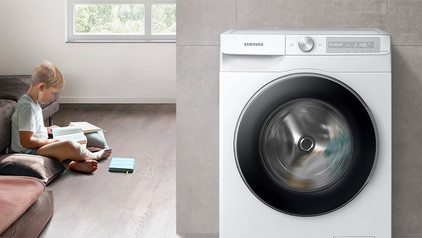
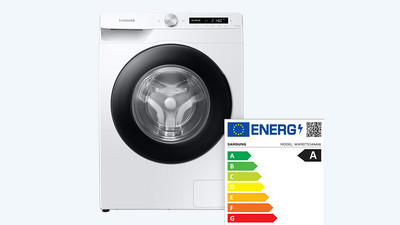
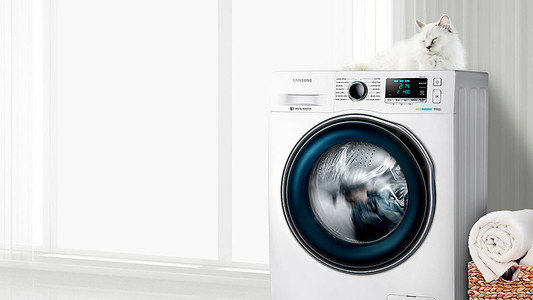
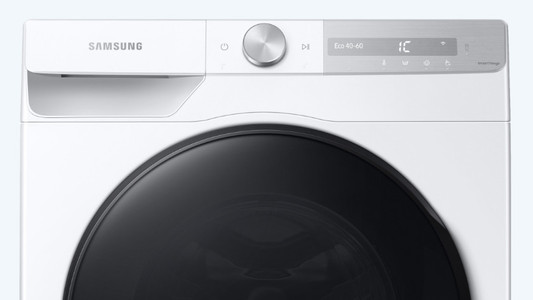
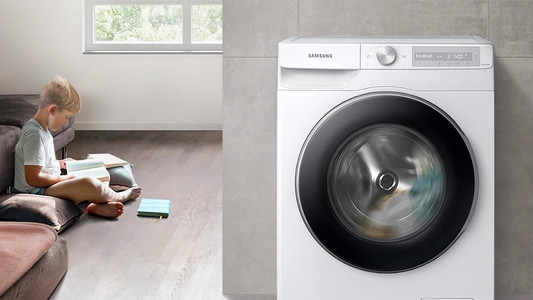
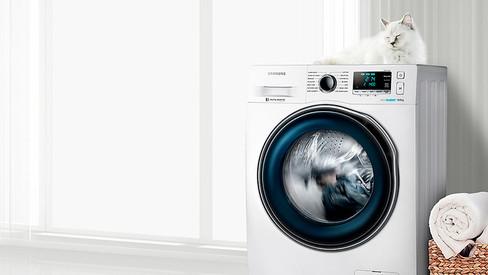
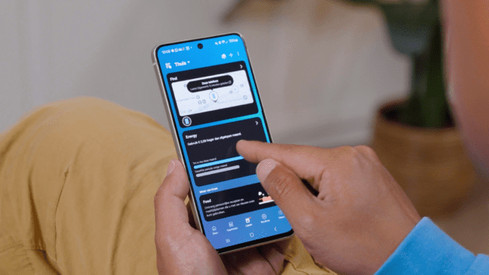
With the Samsung WW80T734ABH QuickDrive + Samsung DV80T7220BH, you wash and dry small and larger loads of laundry very energy-efficiently and silently. Washing machine Thanks to Autodose in this washing machine, you know for sure your clothes get the right treatment. The machine calculates the exact amount of detergent necessary for your load and doses this automatically. The EcoBubble technology hygienically cleans your clothes on a low temperature. The steaming function removes all bacteria and allergens, so you don't have to deal with skin irritation anymore. Thanks to AI Control, the washing machine communicates with the dryer right after the wash cycle is done. Dryer AI Control already set the right dry cycle. With the Optimal Dry sensors, the dryer automatically measures the drying time. This way, your favorite sweater never dries for too long and stays as new for longer. You can use the app to operate the dryer from a distance. You can set your drying cycle in the attic while you're cooking downstairs and check the remaining time till it's done. The dryer also tells you which drying cycle is most suitable for your load via the app.

Read all tips here

Which product do you want to see articles about?

How do you connect your washing machine?

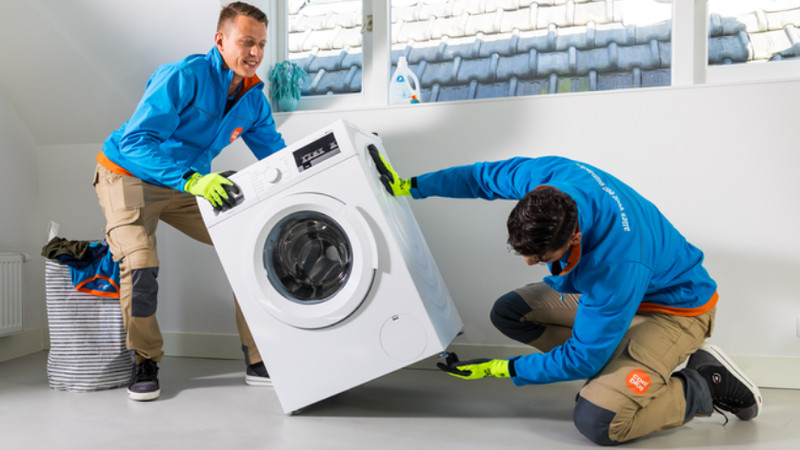
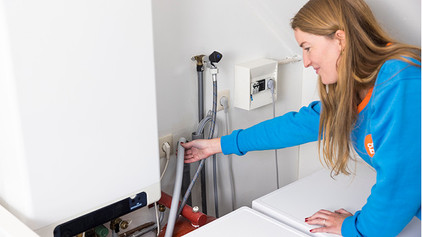
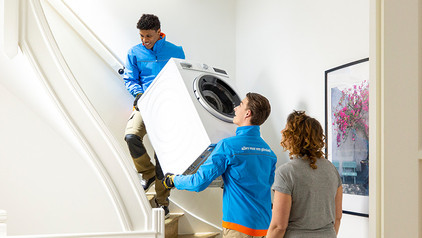
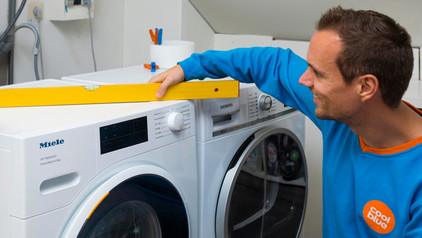
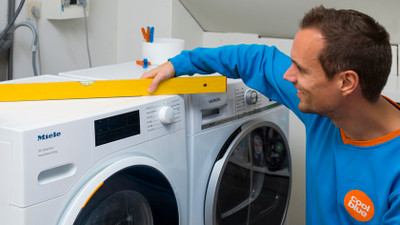
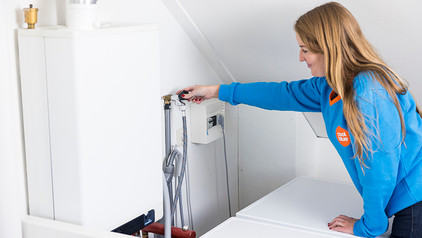
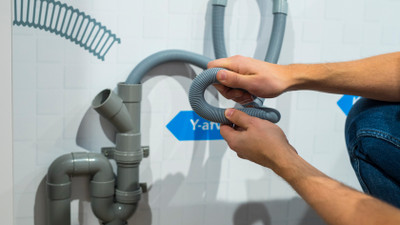
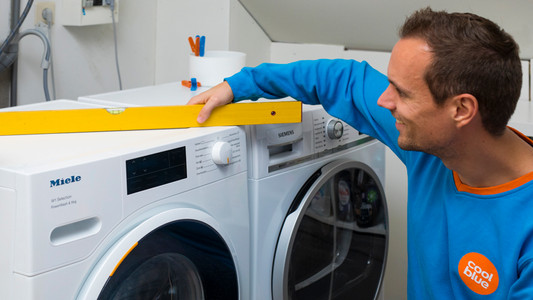
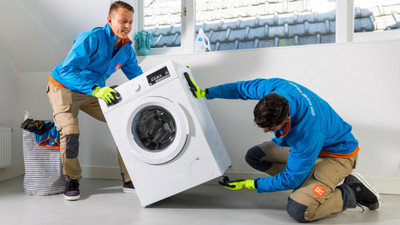
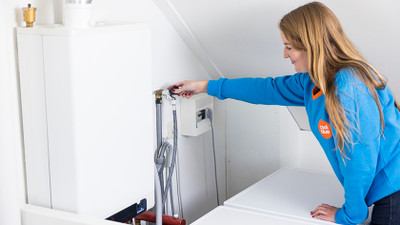
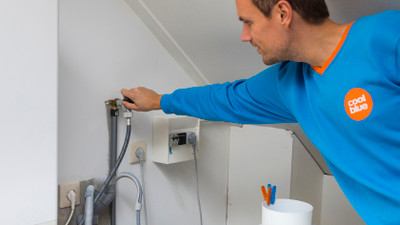
Did you just get a new washing machine? Or are you moving and taking your current washing machine with you? When you connect it, make sure that you remove the transit bolts and level the washing machine. In this article, I'll explain how to connect a washing machine step by step.

How do I calibrate my Samsung washing machine?

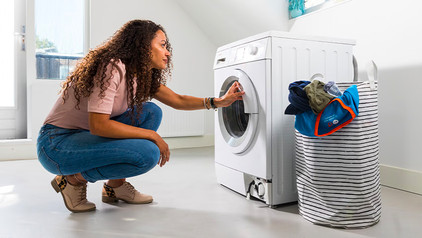
By calibrating your Samsung washing machine, you can prevent the washing machine from vibrating and making noise. You can calibrate your washing machine via the display and takes up to 3 minutes. This doesn't happen by default at a factory. That's why it's important to calibrate your washing machine yourself. All Samsung washing machines have a calibrate function. You can read how to do this in the article below.

This is how you wash and dry for free every day with Samsung SmartThings

Do you have a Samsung washing machine or dryer with SmartThings and an energy contract at Coolblue Energy? You can do laundry for free every day between 12:00 and 15:00. In this article, you can read how to give permission for Free Washing and Drying in the Coolblue App.
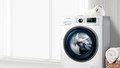

This is how you wash and dry for free every day with Samsung SmartThings

Do you have a Samsung washing machine or dryer with SmartThings and an energy contract at Coolblue Energy? You can do laundry for free every day between 12:00 and 15:00. In this article, you can read how to give permission for Free Washing and Drying in the Coolblue App.
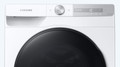
This is how you wash and dry for free every day with Samsung SmartThings

Do you have a Samsung washing machine or dryer with SmartThings and an energy contract at Coolblue Energy? You can do laundry for free every day between 12:00 and 15:00. In this article, you can read how to give permission for Free Washing and Drying in the Coolblue App.
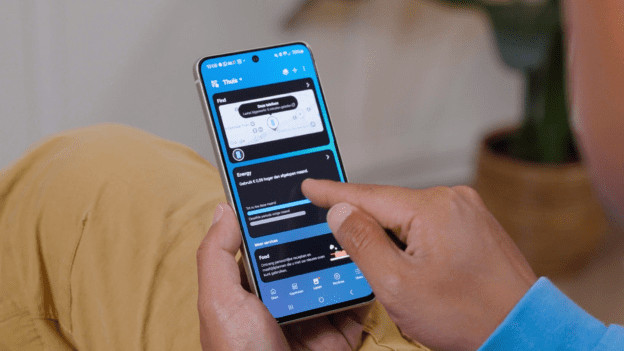
This is how you wash and dry for free every day with Samsung SmartThings

Do you have a Samsung washing machine or dryer with SmartThings and an energy contract at Coolblue Energy? You can do laundry for free every day between 12:00 and 15:00. In this article, you can read how to give permission for Free Washing and Drying in the Coolblue App.
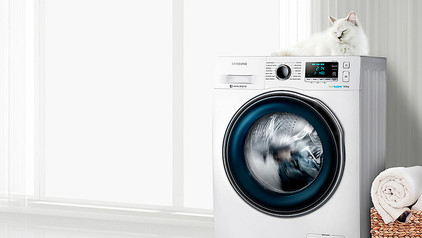
This is how you wash and dry for free every day with Samsung SmartThings

Do you have a Samsung washing machine or dryer with SmartThings and an energy contract at Coolblue Energy? You can do laundry for free every day between 12:00 and 15:00. In this article, you can read how to give permission for Free Washing and Drying in the Coolblue App.
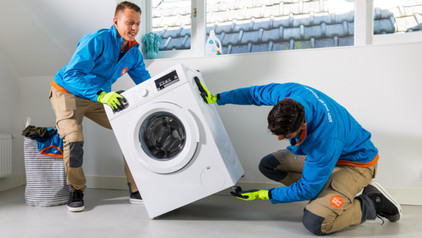
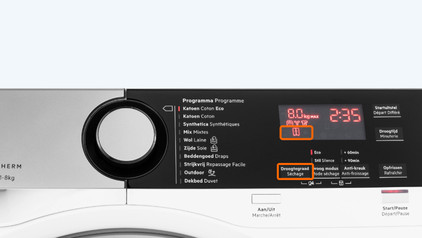
When do you use which dryness level on your dryer?

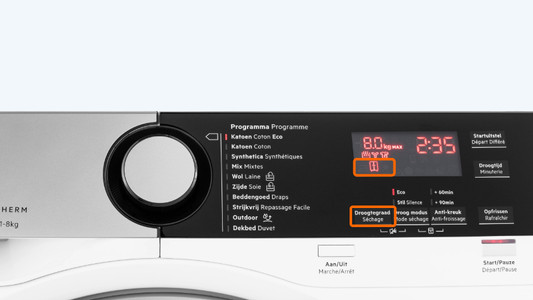
When you dry your laundry, you can choose between a couple of dryness levels. This determines how dry your laundry will be. The 4 most common dryness levels are iron dry, cupboard dry, cupboard dry plus, and extra dry. But what does each dryness level mean and for which laundry type do you use them? We'll explain that in this article.

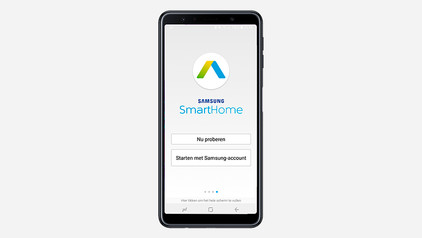
Set up Samsung washing machine and dryer app

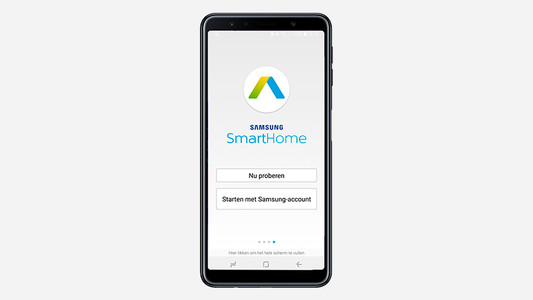
With the Samsung SmartThings app, you'll receive a notification on your smartphone when your laundry is ready. To set up the WiFi, it's important that you first download the Samsung SmartThings app. In this article, you can read how to set the WiFi on a Samsung washing machine as quickly and easily as possible in 3 steps.
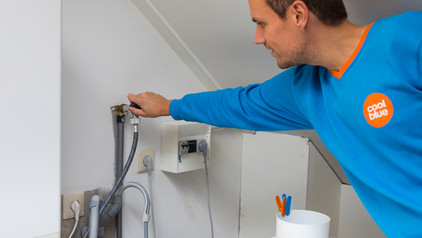
How do you solve the noise of a dryer?

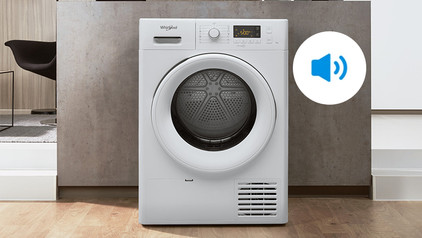
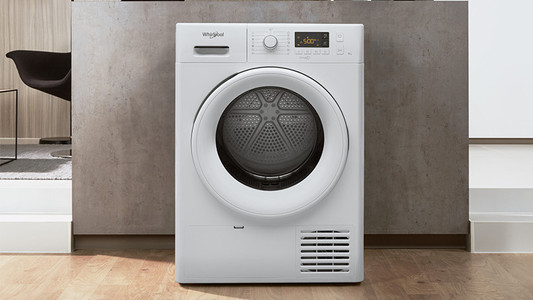
Your dryer is making noise, so you want to find a solution as soon as possible. In order to reduce the noise, you'll first have to identify the noise. You can read which types of dryer noises there are and what you can do to solve the dryer noise here.

5 tips to fix a dryer leak

You might not expect it, but a dryer can also leak. You don't want a puddle of water next to your dryer, of course. Luckily, there are a few steps you can take to solve it and to prevent it from happening again. You can read how to do that here.

5 tips to fix a dryer leak

You might not expect it, but a dryer can also leak. You don't want a puddle of water next to your dryer, of course. Luckily, there are a few steps you can take to solve it and to prevent it from happening again. You can read how to do that here.

5 tips to fix a dryer leak

You might not expect it, but a dryer can also leak. You don't want a puddle of water next to your dryer, of course. Luckily, there are a few steps you can take to solve it and to prevent it from happening again. You can read how to do that here.

How do you connect your washing machine?

Did you just get a new washing machine? Or are you moving and taking your current washing machine with you? When you connect it, make sure that you remove the transit bolts and level the washing machine. In this article, I'll explain how to connect a washing machine step by step.
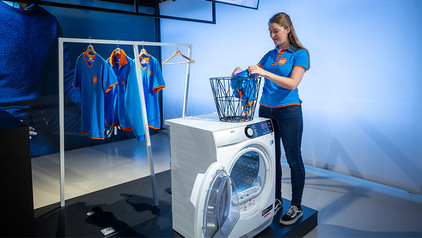
How do I use my new Samsung washing machine?

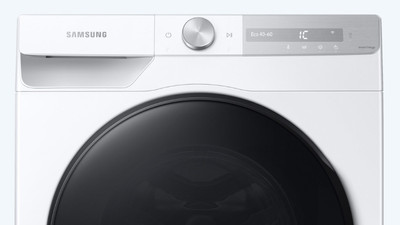
With a Samsung washing machine, you can wash quickly and energy-efficiently. Before you can use a Samsung washing machine, you have to calibrate it. You can read how to do that on this page. You'll also read how to get the best washing result and how to use technologies like EcoBubble, QuickDrive, and AddWash. You can also read how to best solve possible malfunctions here.
The most common errors of Samsung washing machines

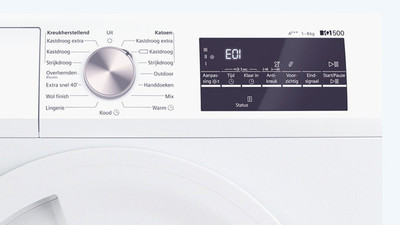
You see an error message on your Samsung washing machine. For example, when there's a problem with the water supply or water drain of your washing machine. An error is of course very annoying. Fortunately, most Samsung errors can be solved. Can't make it work yourself? Our repair service is happy to help you. In this article, you'll find the most common error messages.

Turn off the end signal tune of a Samsung washing machine

Your Samsung washing machine plays a tune when it's done at the end of the cycle. When you hear this melody, you know your laundry is clean. Maybe your hear this end of cycle signal too often, and you want to turn of the Samsung tune of your washing machine. You can read how to do that here.

How do I descale my washing machine?

Limescale is harmful and reduces the lifespan of your washing machine. Your washing machine consumes more energy with limescale and there's a risk your heating element breaks. That's why it's very important to descale your washing machine. In this article, you can read which 4 steps you need to go through to descale your washing machine.

Subjects
Didn't find your answer?

Find an answer to your question quickly and easily via our customer service.

Coolblue specialist
Personal chat Digitalk.
You're now chatting with Coolblue customer service
This chat is closed
foo
Oeps File size is larger than 5MB. Upload a smaller file.